

Get PocketBible Now
This product can be downloaded directly to Mac from this link. Requires macOS on Apple silicon. Not supported on Intel Macs.

Follow the steps below:
- Download the PocketBible disk image (click on button above)
- Locate PocketBible.dmg in your Downloads folder and double-click to run it
- Drag the PocketBible icon into your Applications folder
- To run PocketBible, locate it in your Applications folder and double-click to run it
If you want to keep your old PocketBible 1.4.2, just answer "Keep Both" when macOS warns you that you already have an app called "PocketBible". It will add a number onto the name of the app, so it will likely be called "PocketBible 2". That's not a version number; it's just means it's the second app called "PocketBible" that you installed.
Screen Shots
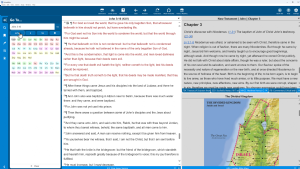
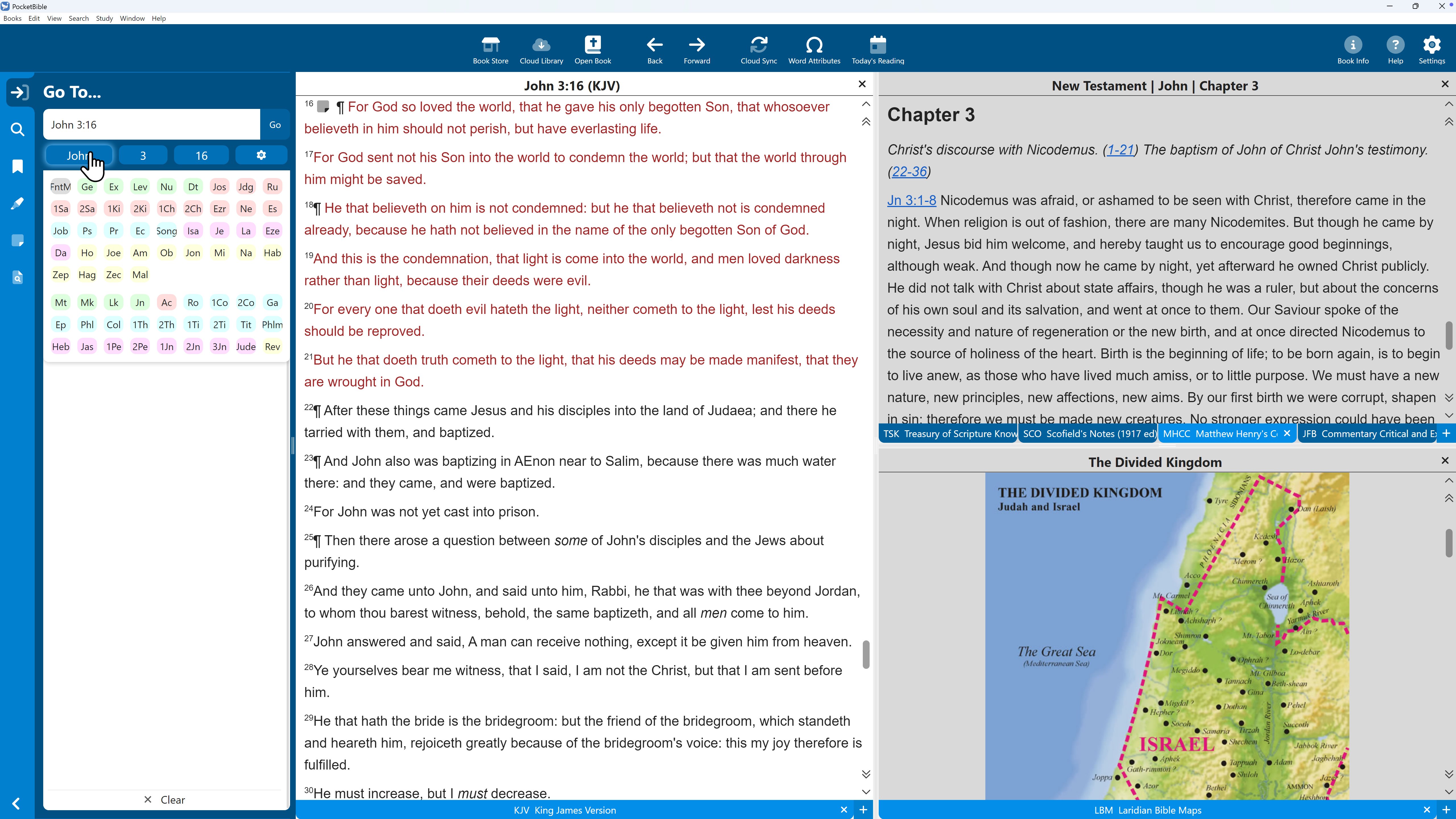
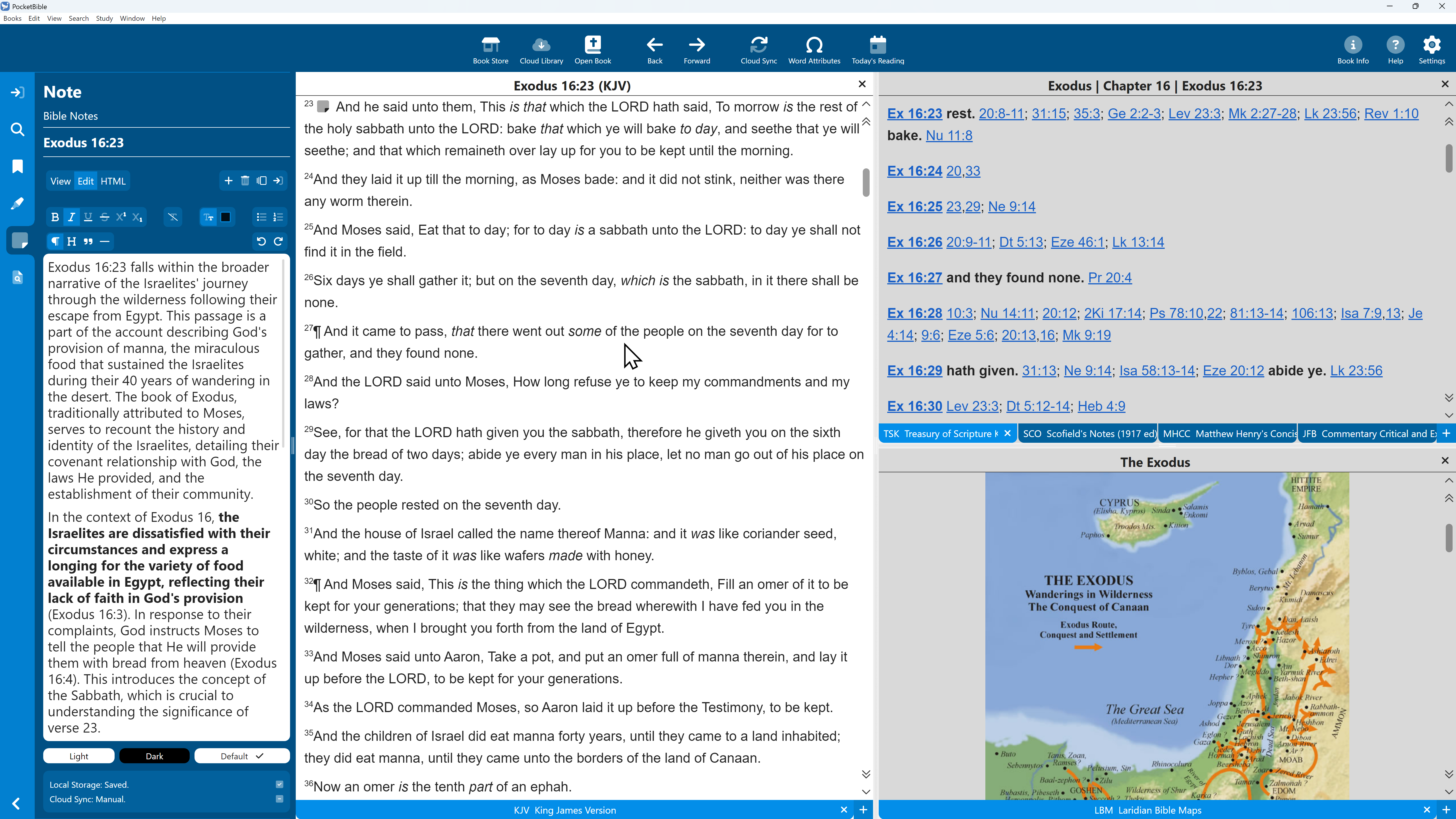
Enter a Bible reference by typing, or select book, chapter, and verse. Conveniently consult related commentary and other materials. (Books shown may be sold separately.)
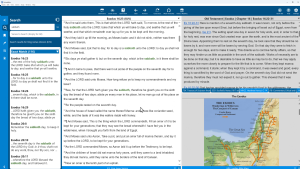
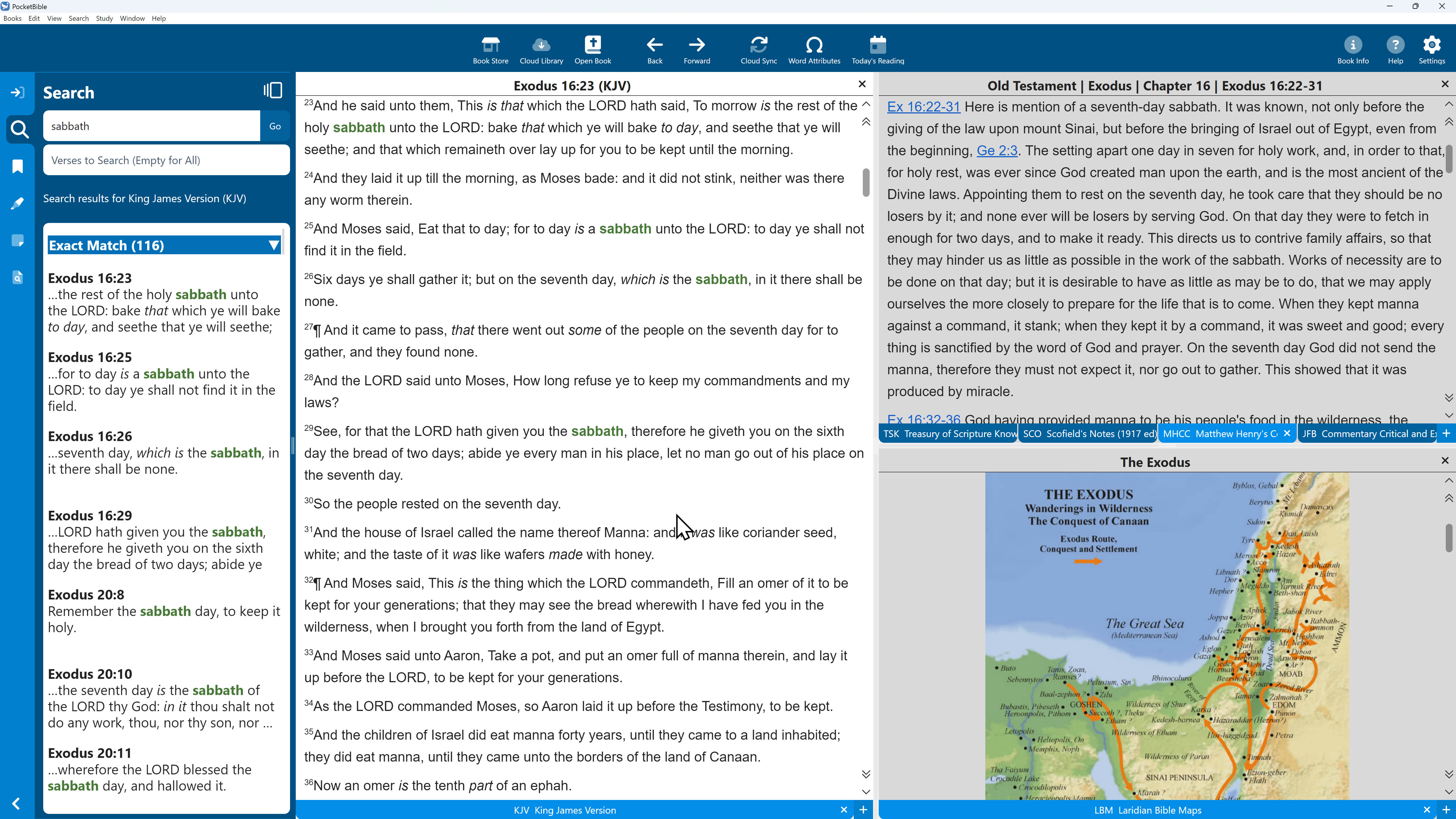
Search your Bibles and reference books for any word or phrase. Results are sorted by relevance and automatically include "sounds-like" and "same root word" results.
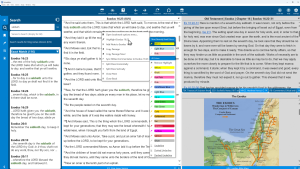
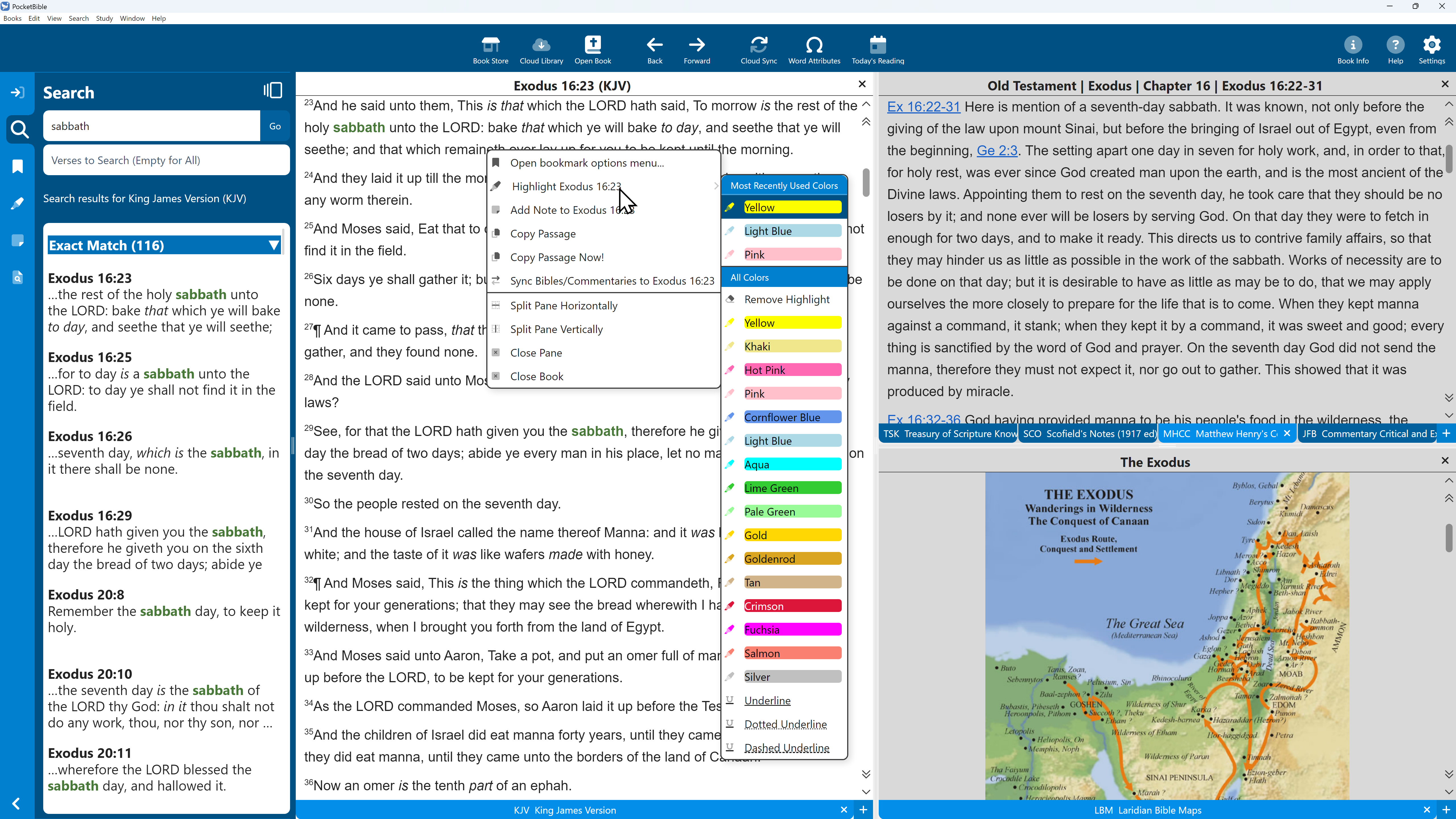
Right-click to get a context-sensitive list of actions that includes setting bookmarks, highlighting verse, adding a note, and more.
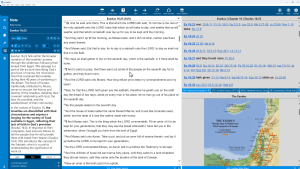
Record what you learn by adding rich-text notes to any verse in the Bible. Bible references you enter will be automatically linked to your Bible once you save the note.
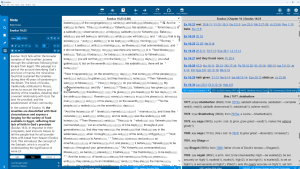
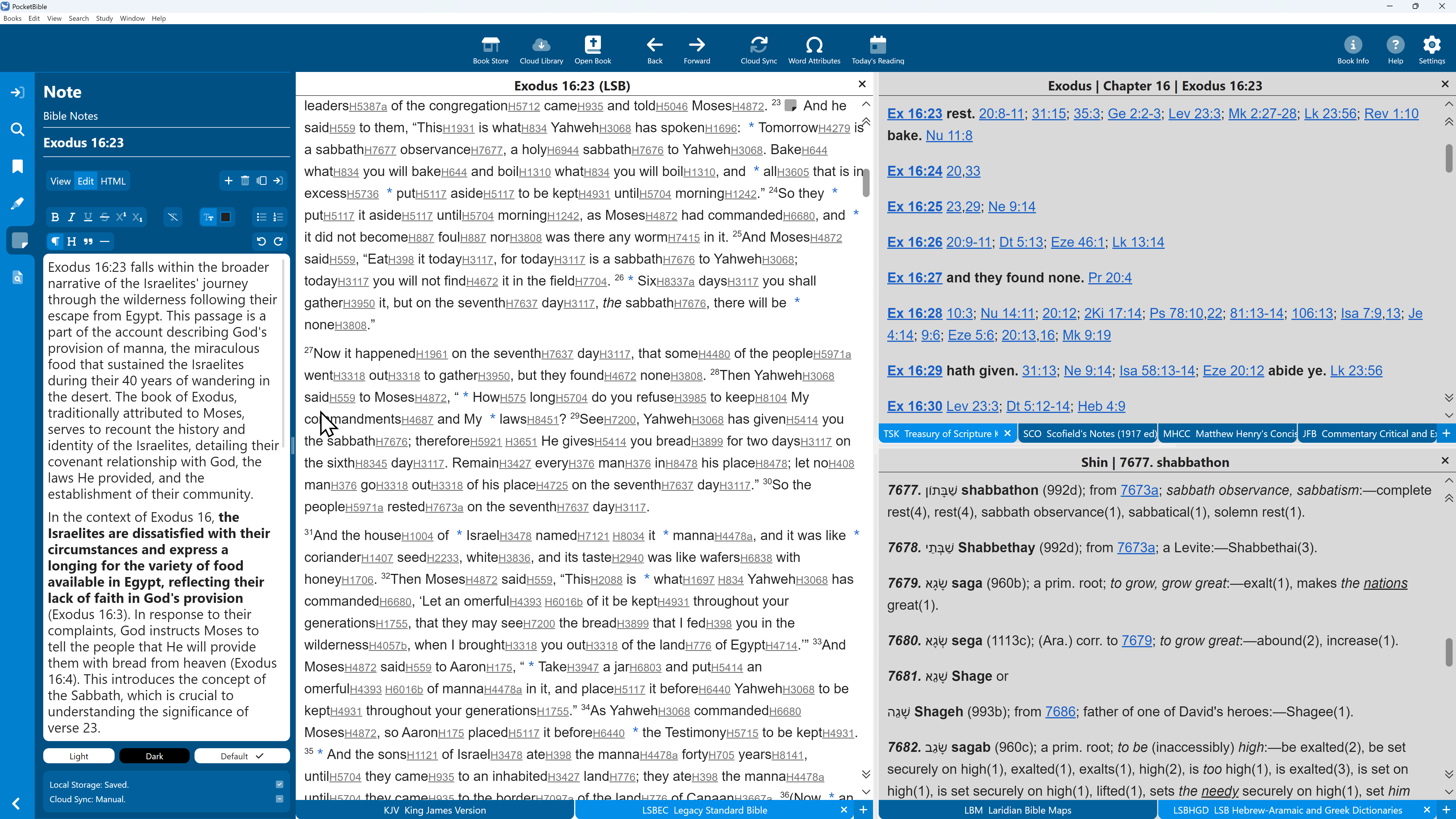
Add a Bible with Strong's numbers to your library, then tap on the Strong's number next to a word to view a transliteration and definition of the original-language word from which the English word was generated (lower right). Strong's numbers are available in several Bible translations; sold separately.
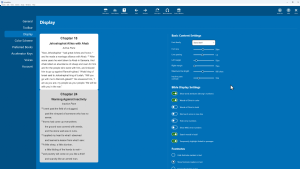
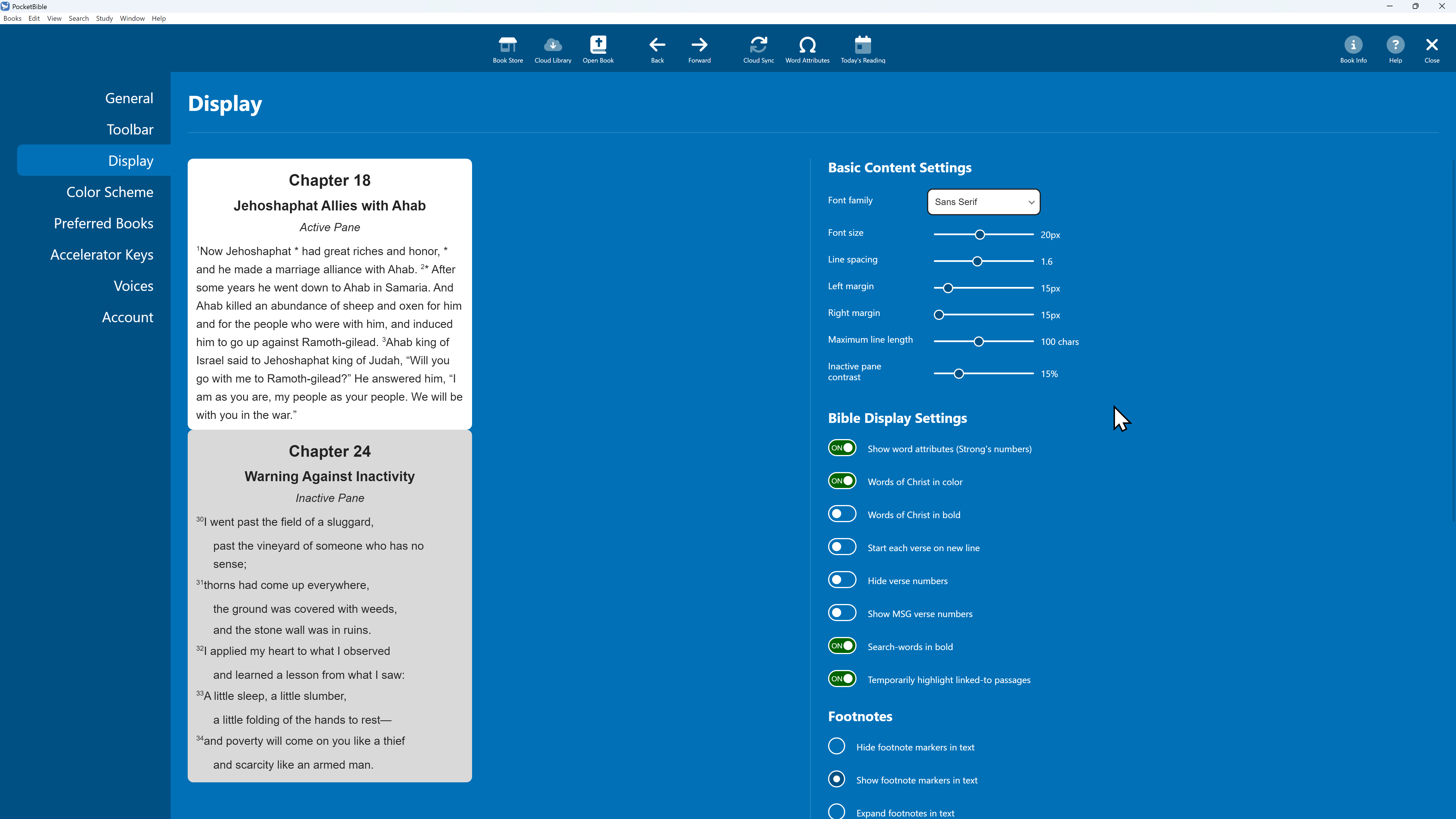
Choose a font, size, color scheme, and dozens of other preferences to maximize readability of the text and of the entire app.
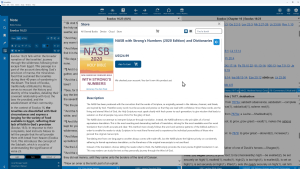
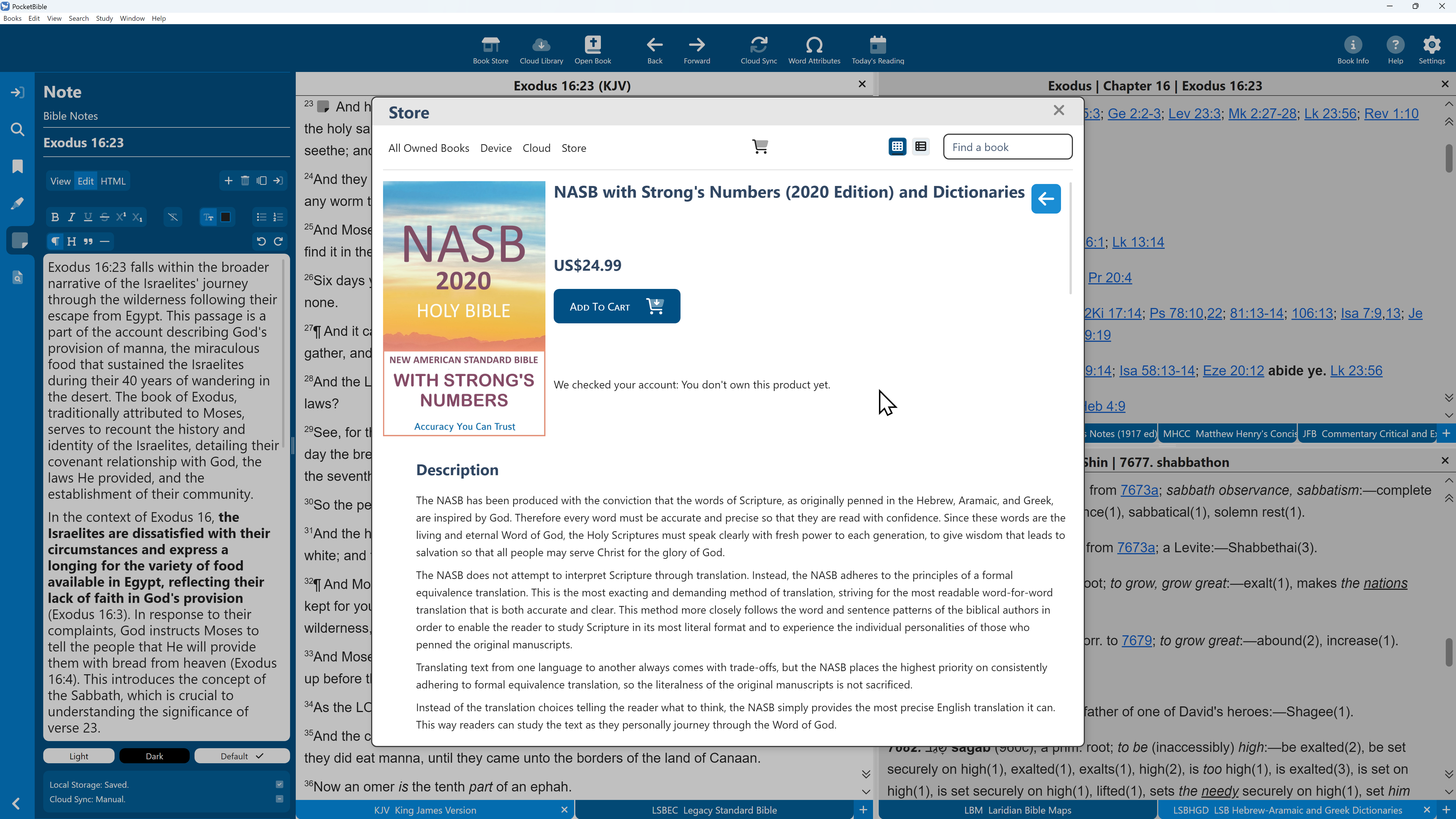
Expand your library at any time using the in-app bookstore. Download your purchased books directly into PocketBible and start studying right away.

PocketBible 3 for macOS
$0.00
Description
Bring the Word to your Mac — fast, familiar, and powerful.
PocketBible® 3 gives you the same simplicity and speed you love on your phone or tablet, now in a full-featured desktop environment. Whether you’re preparing lessons, digging deep into a passage, or simply reading, everything you need is right where you expect it.
Study without limits
Open multiple Bibles, commentaries, and reference books side by side. Compare translations, follow cross-references, and explore related passages — all linked automatically. Study your way, with tabs, panes, and layouts that fit how you work.
Stay in sync — automatically
Your notes, highlights, and bookmarks move seamlessly between your Mac and PocketBible on your mobile devices. Start studying on your phone, continue on your MacBook, and pick up right where you left off.
Everything you need, right here
Choose from hundreds of Bibles, commentaries, dictionaries, and devotionals — many free or at modest prices. Once downloaded, they’re yours to keep, available anytime even without an Internet connection.
Built for focus, not frustration
PocketBible’s clean, intuitive design means you spend more time studying and less time figuring out how. Fast search, instant navigation, linked resources, and tiled panes make it effortless to move from one verse or topic to another, move between Bibles and reference books, or take notes while reading.
"The new interface and menu system is much more user-friendly. The new version is easier to customize, and I like being able to make my own 'shortcuts'." — PocketBible User
Buy it once. Use it anywhere. Own it forever.
Resources you’ve already purchased for your phone or tablet work in PocketBible for macOS at no extra cost. Add to your library once and enjoy it across every device you use.
"All the titles I bought for my Palm Pilot decades ago are available in the latest PocketBible" — PocketBible User M.H.
Dependable. Trusted. Familiar.
For over 25 years, PocketBible has helped serious students of the Word study more effectively. This version continues that tradition — reliable, responsive, and built to last.
"The learning curve isn't steep and the changes to the interface are welcomed." — PocketBible User
Get PocketBible for macOS — Free
Experience Bible study the way it should be: clear, connected, and always within reach. The PocketBible app is free and comes with dozens of free Bibles, commentaries, and other resources upon registration.
Take your Bible study to the next level with the Advanced Feature Set
The free version of PocketBible has all the features you need to read and study the Bible. When you're ready for more, check out Autostudy, tabbed layouts, library search, and the library navigator with the Advanced Feature Set for PocketBible for macOS.
Related Products
This is the latest version of PocketBible for macOS and requires a Mac running macOS on Apple Silicon (non-Intel processor) If you're still using an Intel-based Mac, try PocketBible 1 for macOS.
This free version of PocketBible provides all the features you need to read and study the Bible on your macOS computer. For serious study, consider a subscription to the Advanced Feature Set. Features include the Library Navigator to see everywhere the verse you're studying is mentioned; our unique Autostudy feature to bring together everything in your library to support the study of a passage or word; saved layouts to organize your screen for different tasks; and the ability to enter Journal notes — notes that are not attached to any particular Bible verse.
Running PocketBible on more than one platform? Consider a subscription to the Advanced Feature Set for All Platforms to save at least 20% off the already affordable price.
System Requirements
PocketBible Version 3 for macOS requires a Mac with Apple Silicon (non-Intel processor). Users with Intel-based Macs can continue to use the previous version of PocketBible, version 1.4.2.
The Fine Print
Copyright © 2010-2026 by Laridian, Inc. All Rights Reserved.
Laridian and PocketBible are registered trademarks of Laridian, Inc. DailyReader, MyBible, Memorize!, PrayerPartner, eTract, BookBuilder, VerseLinker, iPocketBible, DocAnalyzer, Change the way you look at the Bible, and The Bible. Anywhere. are trademarks of Laridian, Inc. Other marks are the property of their respective owners.
About You
- You are viewing the mobile version of our website.
- You are not logged in.
- Your IP Address: 216.73.217.37
- Site IP Address: 69.167.186.191
Social Media
Like and follow us on Facebook.
Stay Informed
We announce new products via email. If you ask to be removed from any of our mailings, you will not receive these notifications. If your email address changes, make sure you change it here, too.
From time to time we post things on our blog and on Facebook.
The Fine Print
Copyright © 2010-2026 by Laridian, Inc. All Rights Reserved.
Laridian, PocketBible, and MyBible are registered trademarks of Laridian, Inc. DailyReader, Memorize!, PrayerPartner, eTract, BookBuilder, VerseLinker, iPocketBible, DocAnalyzer, Change the way you look at the Bible, and The Bible. Anywhere. are trademarks of Laridian, Inc. Other marks are the property of their respective owners.
Products by Platform
Bible Reader Software
BookBuilder Software
- BookBuilder for Windows
- BookBuilder Pro for Windows
- BookBuilder for macOS
- BookBuilder Pro for macOS
- Self-Publishing Info
About Laridian
Products by Type
Your Account
- You are not logged in.
- Your IP Address: 216.73.217.37
- Site IP Address: 69.167.186.191
- Your Account Information
- Your Order History
- Your Downloads
- Your Notes, Highlights, and Bookmarks
- Your BookBuilder Books
- Your Shopping Cart
- Register Purchase from a Store
Best Ways to Get Help
You can get the fastest help by helping yourself.
- Make sure you download and install the PocketBible app that is required to read the Bibles or books you bought
- Read the confirmation email we send you when you make a purchase
- Read the help that's built into each of our products
- Look through our Frequently Asked Questions
- Submit a Support Ticket
- Email us at support@laridian.com
Help Desk
Laridian Blog